How It Works
From unboxing to accepting payments in minutes.
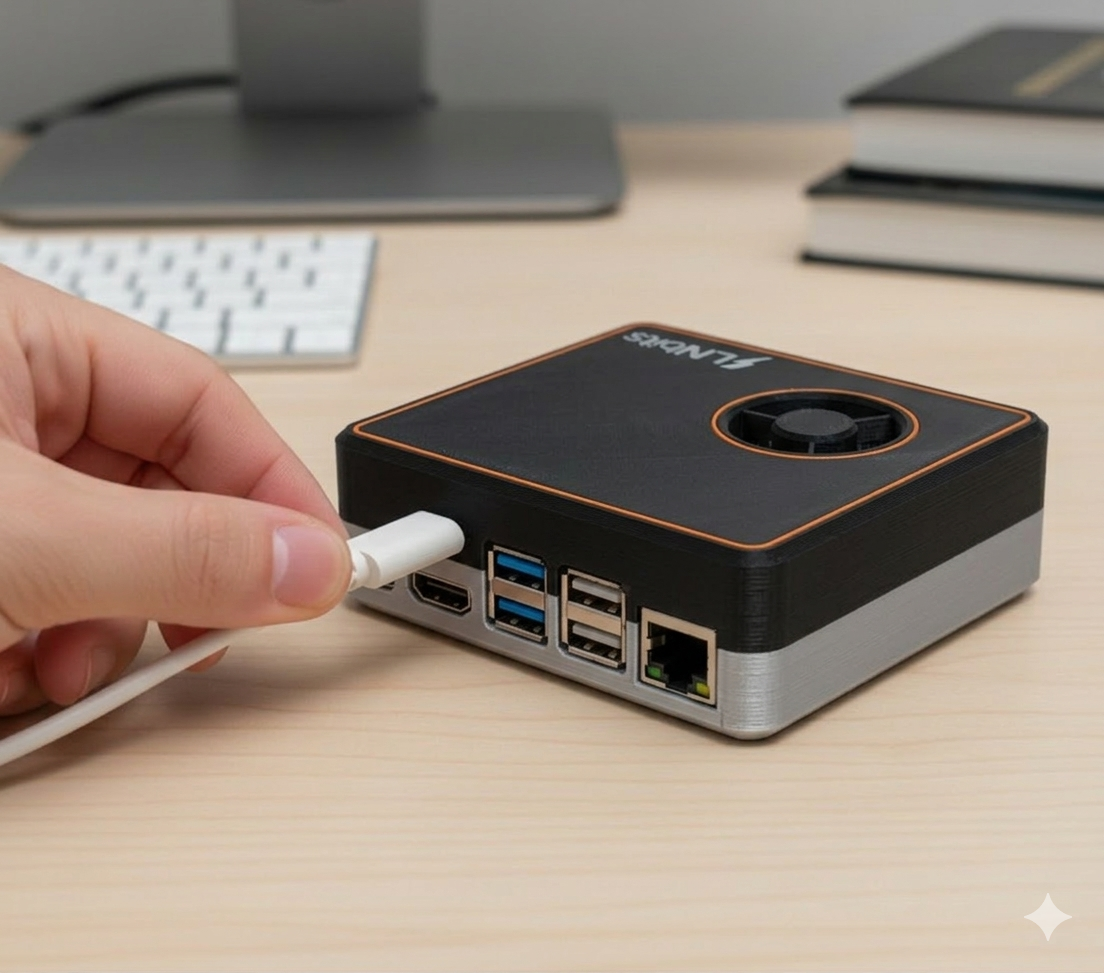
Plug in
Plug LNbitsBox into power and your router (or Wi-Fi). That's all the hardware setup there is.
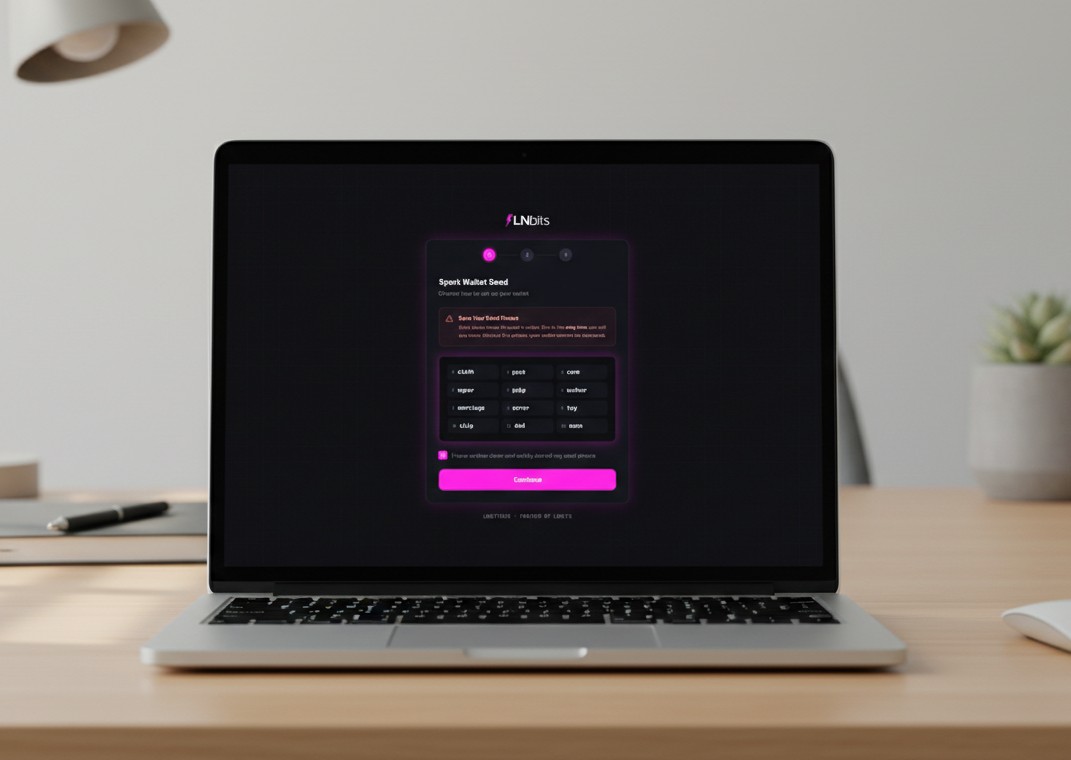
Open setup page
Open the setup page in your browser. Create your wallet and finish setup.
Start using LNbits
LNbits opens automatically after setup. Create wallets, apps, or payment screens.
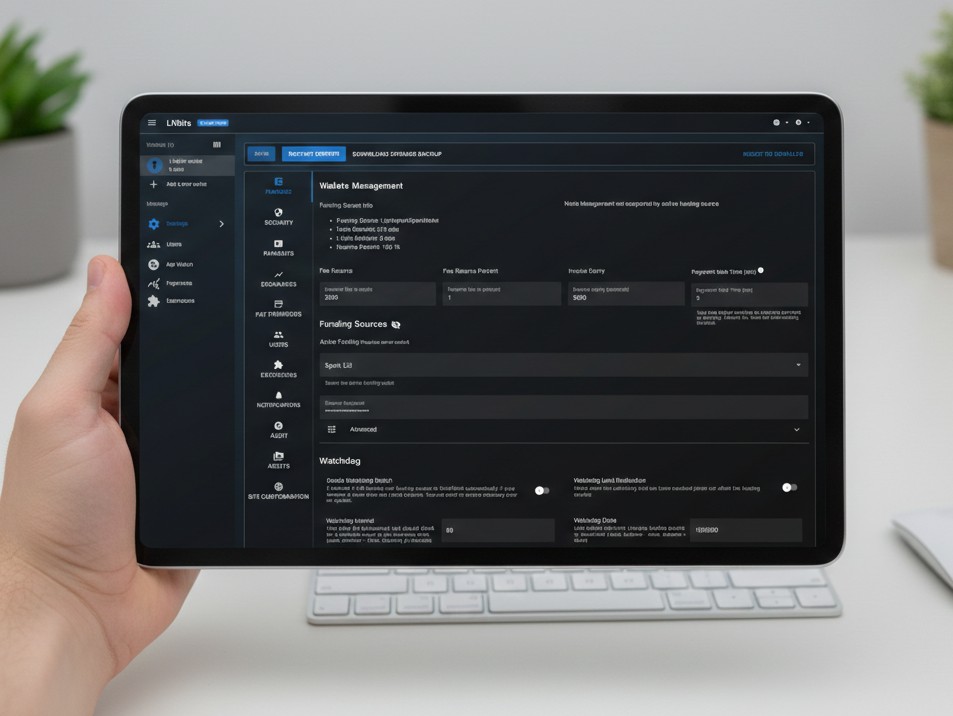
Manage your server using the admin panel
Access the admin panel to manage and monitor your LNbitsBox.
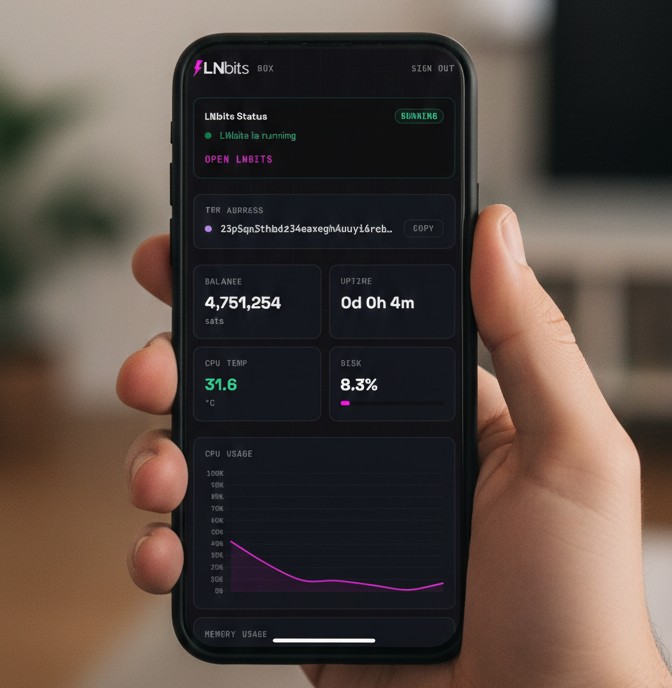
Choose your Lightning funding source
LNbitsBox supports Spark, Phoenixd, and Arkade so you can choose the Lightning funding setup that fits how you want to run LNbits.
Spark offers a self-custodial Lightning experience with the ability to exit to Bitcoin at any time without relying on a third party.
Phoenixd keeps things simple with automatic channel management, and Arkade adds another built-in self-custodial option right out of the box.